

Creating a new zone
Add a zone for each room, stage, or area of your site that needs its own coordination list or calculation behavior.
To create a new zone:
- In the zone toolbar, click the Add Zone (+) button.
The New Zone Name dialog opens with the name Untitled Zone pre-selected.
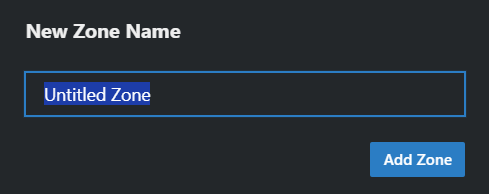
- Type a name and click Add Zone (or press Enter).
Coord switches to the new zone right away. It starts with one empty group named New Group, so you can select a profile and calculate immediately; rename or delete that group as you build out the zone (see Groups).