

Importing sites
Import previously exported SoundBase site files — one or several at once — into the current project.
Import a site
Section titled “Import a site”- In the Site bar, click the Share Site button and choose Import Site as….
- In the Import Site dialog, drop your files in or click Choose files or drag them here.
Accepted formats:
.sbcoordsite(current) and.json(legacy site exports). You can queue several files — the dialog shows how many are selected, and each can be removed before importing.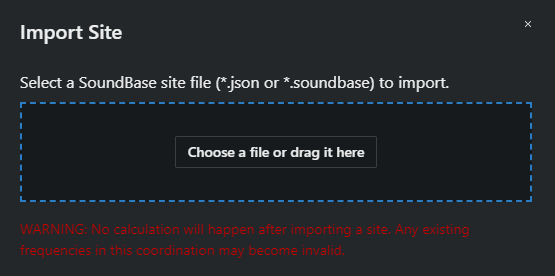
- Click Import.
Files are processed one at a time; progress appears in the actions tray. When the import finishes, Coord switches to the newly imported site.