

Editing equipment profile
You can edit your equipment profile.
To edit the profile:
- Create or open a profile you want to edit.
- In the Details area, click the Edit button.
A new pop-up window opens.
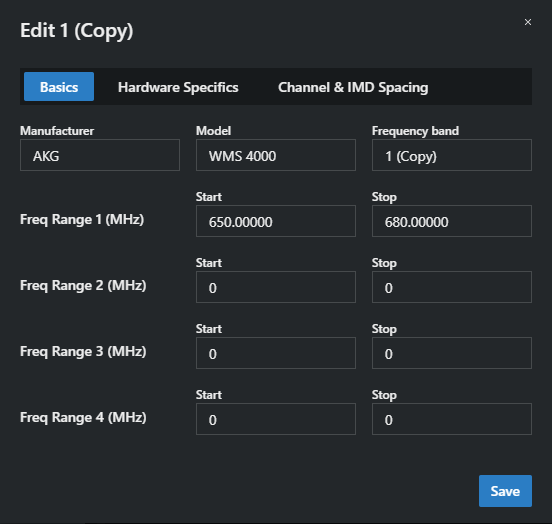
- Edit the details in the Basics, Hardware Specifications, and Channel & IMD Spacing tabs according to your needs.
- Click on Save.
The equipment profile has been successfully edited.