

Setting email notification for frequency requests
You can set an email notification for each frequency request.
To set email notifications for each frequency request:
- In the Details area, click on Requests > Settings.
A new pop-up window opens.
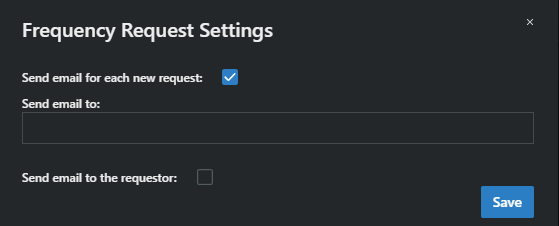
- Type in the email address to be notified in case of a new frequency request.
- Optionally, check the box labeled “Send email to the requester”.
The frequency request will be sent to the email address.