

Adding static frequencies
Bring outside frequencies — house channels, other productions, fixed installs — into the zone as a locked group that calculations must avoid.
Static frequencies represent transmitters you don’t control but must coordinate around. Coord places them in a new group using a Generic Non-IMD equipment profile: they arrive locked, are excluded from intermodulation testing, and are only checked for direct frequency conflicts — future calculations avoid them.
Add static frequencies
Section titled “Add static frequencies”- Open the zone selector menu and choose Add Static Frequencies.
The Add Static Frequencies dialog opens with two tabs.
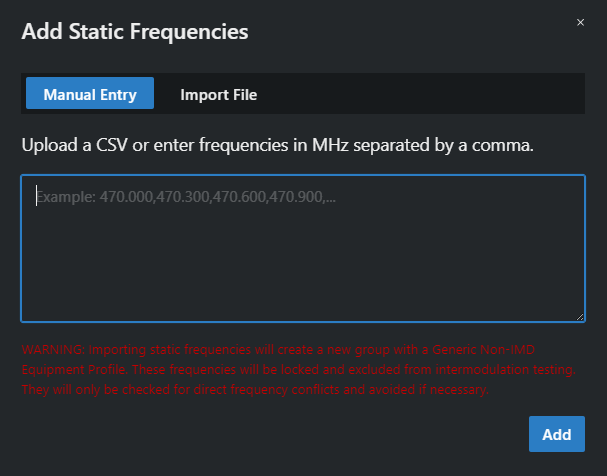
- Either:
- Manual Entry — type frequencies in MHz separated by commas (e.g.
470.000,470.300,470.600) and click Add, or - Import File — drop in a CSV (Choose a CSV file or drag it here).
- Manual Entry — type frequencies in MHz separated by commas (e.g.
- During import, Coord checks channel spacing against the zone’s existing frequencies.
The new group appears in the coordination list; rename it to something meaningful (“House RF”, “Broadcast truck”) like any other group.