

Equipment profile manager
The “Equipment Profile Manager” tab allows you to manage all custom equipment profiles that you’ve created or imported into SoundBase.
Only profiles you own appear here—collaborator profiles are not shown.
To open the profile manager:
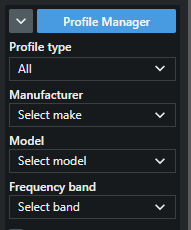
- In the Calculation area, click on Profile Manager.
A new pop-up window opens.
- Navigate to the tab Custom Profiles.
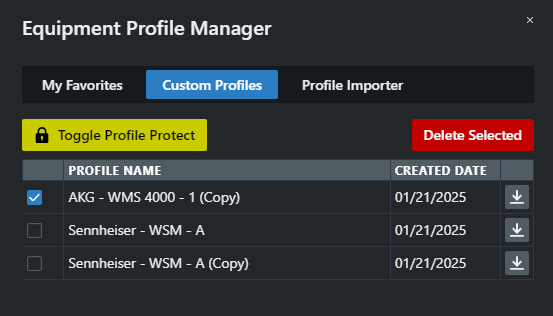
You can choose to hide your profiles or share them with other users.
The Profile Manager has been opened.