

Discovering devices
SoundBase lets you discover your connected devices easily and add them to the application.
To discover devices:
- In the Details area, click the Devices tab.
- On the right side, click the network interface selection dropdown.
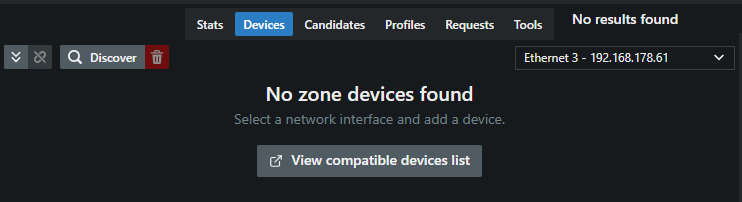
- Select the IP of your connected device.
- On the left side, click the button Discover.
All devices within your selected network interface’s IP scheme will appear here.
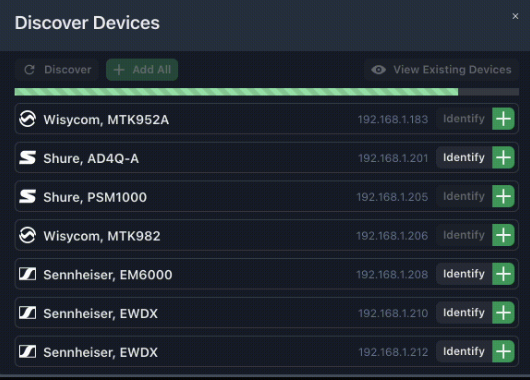
When attempting to connect to Wisycom devices, ensure that no other instances of SoundBase Desktop or Wisycom Manager are actively connected. Wisycom’s communication protocol supports only one computer connection at a time.
You can toggle the existing devices view by clicking the “View Existing Devices” button
- Add or remove your displayed devices from the existing view.
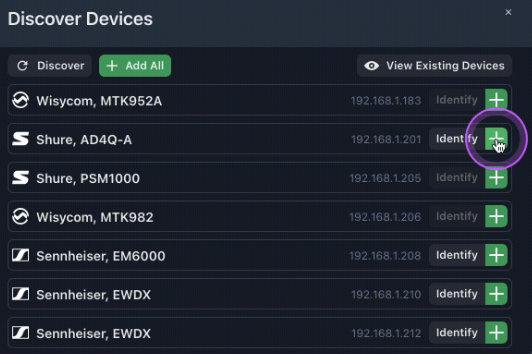
Connected devices have been discovered.