

Setting the plot bandwidth by equipment
Zoom the plot to the tuning range of any equipment profile already used in your coordination.
- In the plot’s control bar, click the crosshair button (tooltip Equipment Profile Bandwidth).
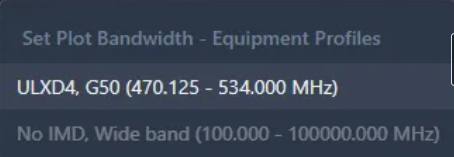
- Pick a profile — entries read like
AD4Q-A G57 (470 - 616 MHz). The plot zooms to that profile’s band.