

Calculation area
This is the area where you decide how to find frequencies for your coordination.
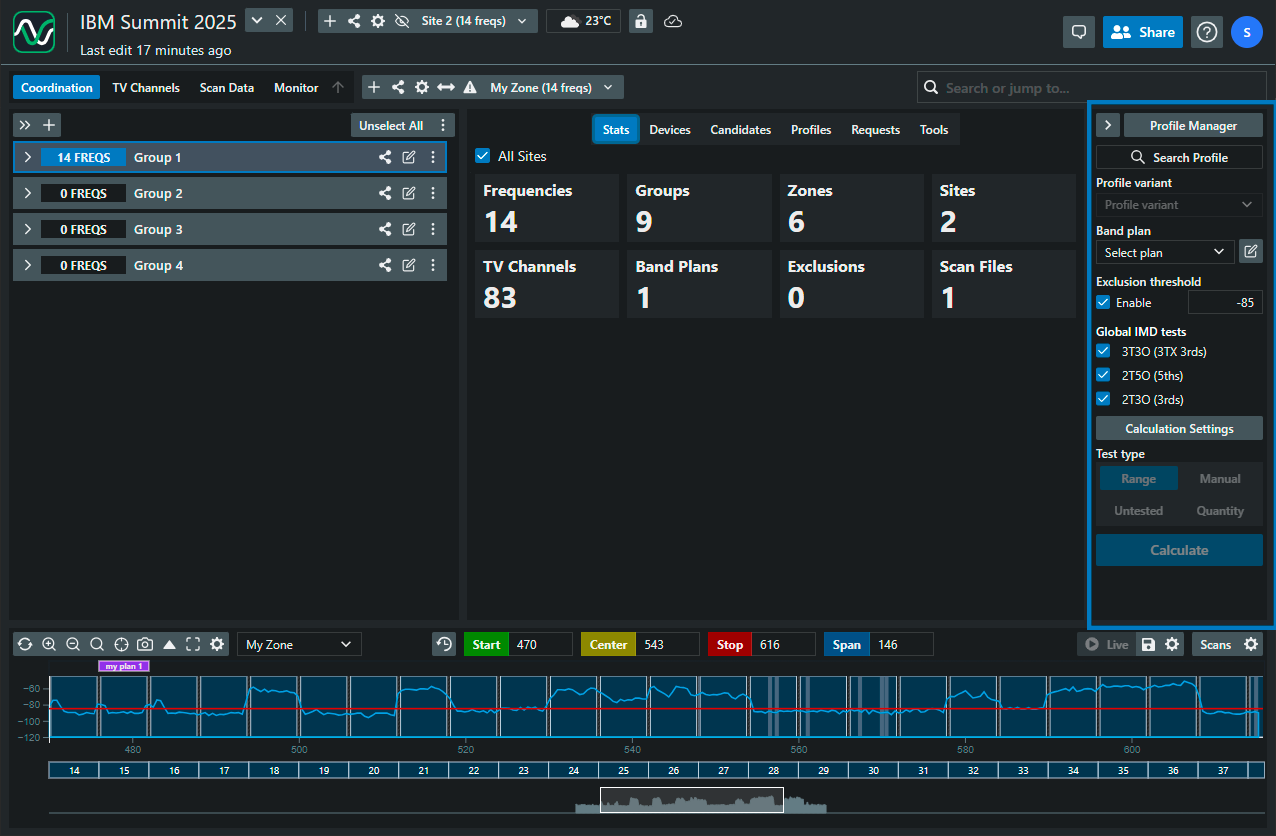
Profile type
Section titled “Profile type”- Allows you to choose between all profiles in the database, the default SoundBase profiles (based on manufacturer specifications), and your custom profiles
Manufacturer
Section titled “Manufacturer”- Name of the manufacturer
- Model of the manufacturer
Frequency band
Section titled “Frequency band”- Frequency band
Profile auto-focus
Section titled “Profile auto-focus”- Automatically adjusts the plot view to focus on the selected frequency band
Profile variant
Section titled “Profile variant”- Allows you to select between robust, standard, or expanded frequency configurations
Band plan
Section titled “Band plan”- Allows you to select what plan to use
- Creating new band plan
Exclusion threshold
Section titled “Exclusion threshold”- Sets a threshold value. The system will only find frequencies where the scan data in the plot is below this threshold.
Global IMD tests
Section titled “Global IMD tests”- This toggles IMD testing between the current calculation and other affected areas in the coordination
Calculation settings
Section titled “Calculation settings”- Here you can adjust calculation settings based on scan data, broadcast channel bandwidth, and inter-modulation settings
- Configuring calculation settings