

Deleting equipment profile
You can delete any equipment profiles you have created.
To delete the profile:
-
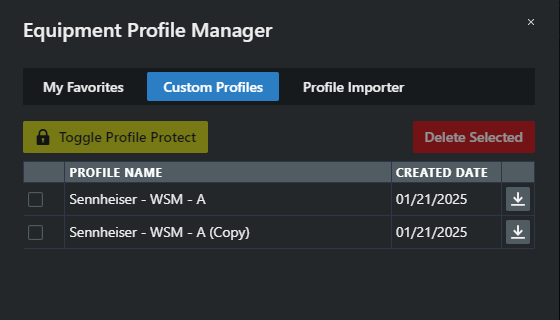
In the Calculation area, click on Profile Manager and navigate to the tab Custom Profiles. All created profiles are displayed.
-
Select the profiles you want to delete by checking the boxes next to them.
-
Click on Delete Selected.
Your equipment profile has been successfully deleted.