

Editing group details
Store a group’s name, contact person, company, phone, email, logo, and notes — the who-to-call information that travels with the frequencies.
Edit the details
Section titled “Edit the details”- Click the group’s Group Actions (⋮) button and choose Group Details.
The Group Details modal opens.
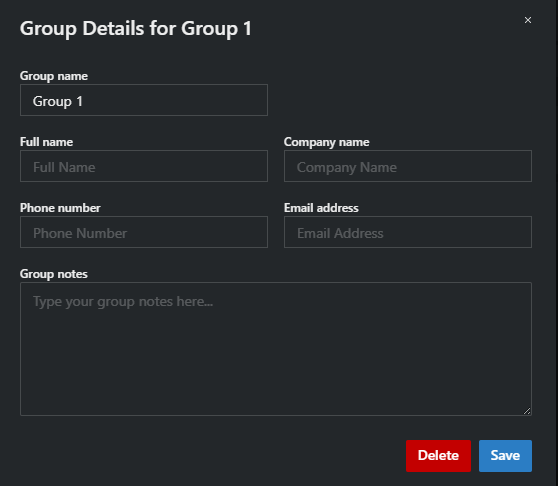
- Fill in what you need and click Save.
| Field | Notes |
|---|---|
| Group name | Also renameable inline — click the name in the group header |
| Number of Devices | Frequency-hopping groups only (1–99); changing it adds or removes channels |
| Full name | Contact person for this group — e.g. the crew’s RF tech |
| Company name | |
| Phone number / Email address | So you can reach the operator when their frequencies must change |
| Group logo | PNG or JPG up to 2 MB, drag-and-drop. Shown on document group reports |
| Group notes | Free text |
The modal’s footer also has the Delete button — see Deleting groups.