

Using dev tools for troubleshooting
If SoundBase support asks you to open Dev Tools in SoundBase Desktop, please follow the steps below.
To use dev tools:
-
Press F12 or navigate to the View menu and select Toggle Developer Tools. This step is applicable if you’re using a Mac.
-
After the tools are positioned at the bottom, click the Console tab to view the information necessary for troubleshooting.
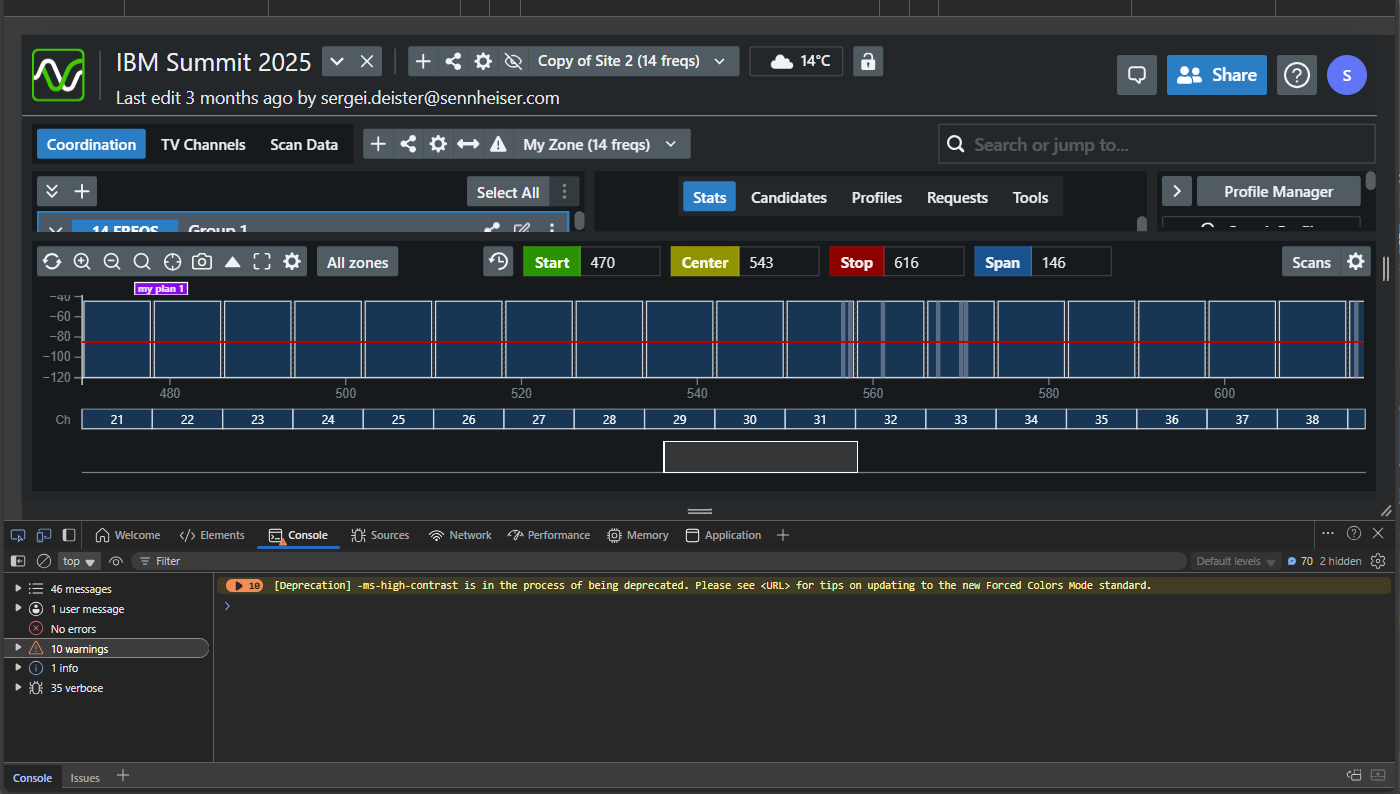
You can now use the dev tools for troubleshooting.