

Managing saved collaborators
Your saved list of people to invite — what it is, and how to remove someone from it without touching their project access.
Everyone you add to a project is saved to your personal collaborator list, so next time you can pick them from autocomplete instead of typing an address. (It’s also the list SoundBase Desktop can invite from, since Desktop only re-adds people you’ve shared with before.)
View and prune the list
Section titled “View and prune the list”- Open the user menu → My Settings… → Collaborators.
- The table lists each saved person’s Email and Name.
- Click the trash button on a row to remove them from the list.
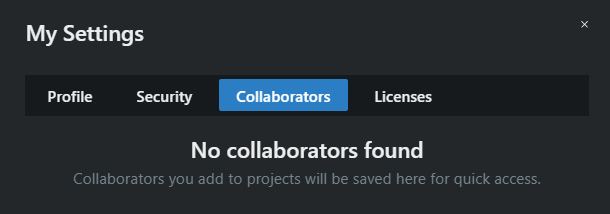
Empty list? Collaborators you add to projects will be saved here for quick access.