

Creating new project
When you start SoundBase for the first time, you will be prompted to create a new project.
To create a new project:
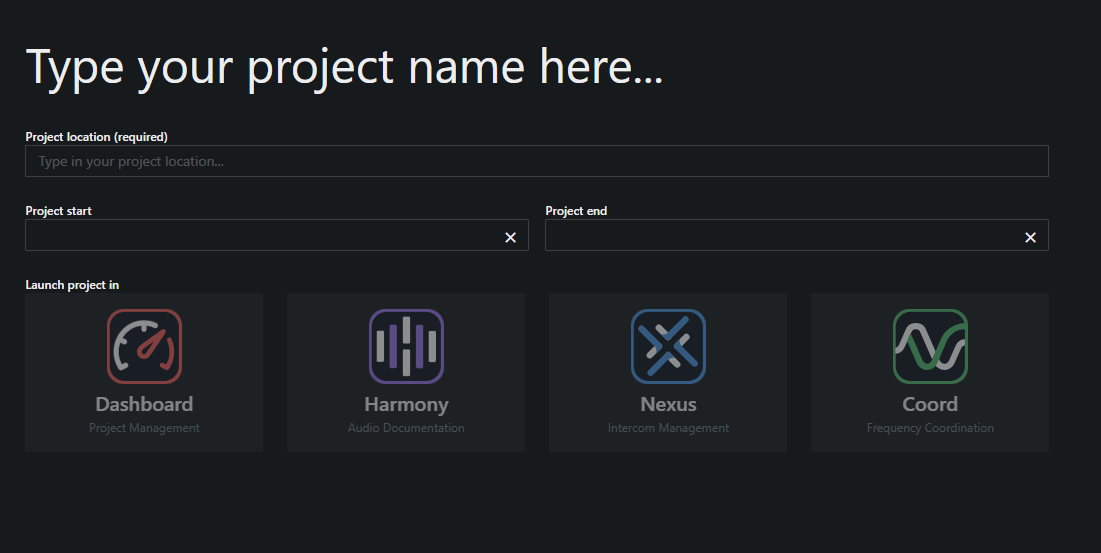
- Click on the button + New, to create a new project. A project form opens.
- Enter your desired name, precise location and the start and end date of your project.
For Project Location it is best to use a precise location as TV Channel and Scan Data use that information to locate nearby tv stations and uploaded scan files. SoundBase uses Google Maps data to auto-complete address information.
- Click on Coord application icon.
- In the Desktop version, select the project type (cloud or local).
A new project has been created.