

Downloading the project frequency list
This feature allows you to generate a CSV file containing all the frequencies in your project.
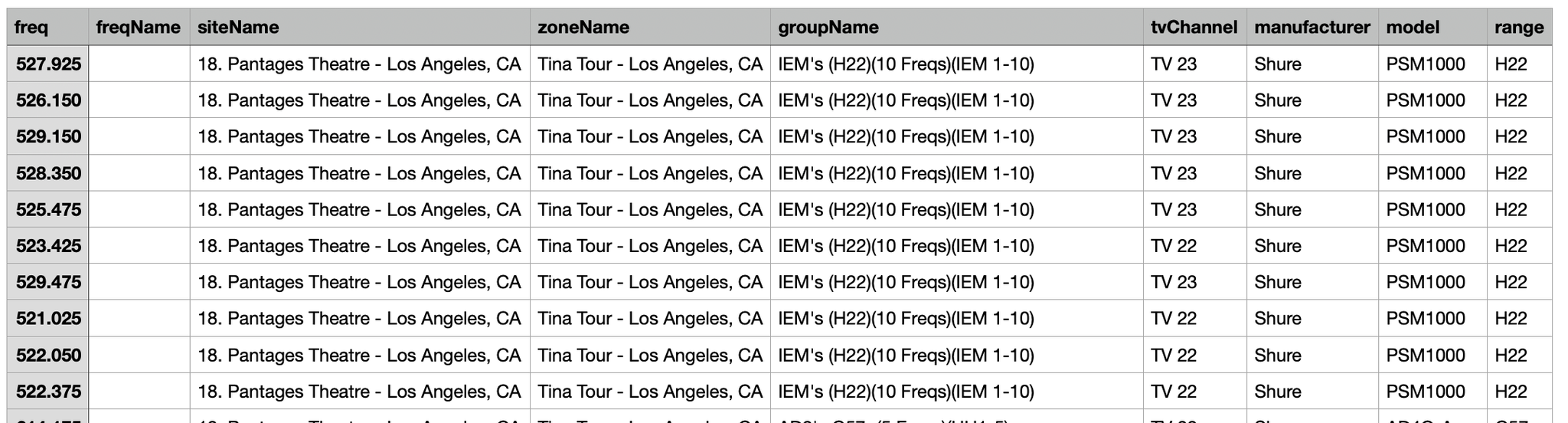
To download the project frequency list:
- Navigate to yourproject name > Project Menu > Download Frequency List (CSV).
- Enter a name for the export file and click Save.
The project frequency list has been downloaded.