

Creating an account
Sign up with an email address and password, accept the user agreements, and verify your email — one account for both the web version and SoundBase Desktop.
Create the account
Section titled “Create the account”- Go to soundbase.app and choose Create account (or open the sign-up page directly from the app’s login screen via Sign up).
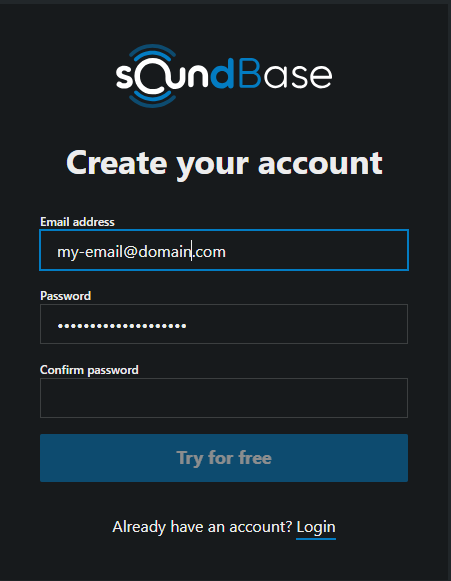
- Enter your Email address, choose a Password, and confirm it. Passwords must be at least 8 characters and include one lowercase letter, one uppercase letter, and one special character. A unique password from a password manager is ideal.
- Click Try for free.
- The SoundBase User Agreements dialog opens. Accept the End User License Agreement (EULA) and Terms & Conditions (required), decide whether to opt in to Sharing Analytics Data with SoundBase (optional), and click Confirm.
Verify your email
Section titled “Verify your email”A verification link is sent to your address; the confirmation screen shows exactly where it went.
- Open the email and click the verification link.
- On the page that opens, click Login — that completes the verification and takes you to the sign-in form.
If the email hasn’t arrived within an hour, check your spam folder; still nothing, contact support@soundbase.app (there’s no self-service resend).
Signing in afterwards
Section titled “Signing in afterwards”Sign in with your email and password at my.soundbase.app — or in SoundBase Desktop once installed. Forgot Password? on the web login page emails you a reset link.