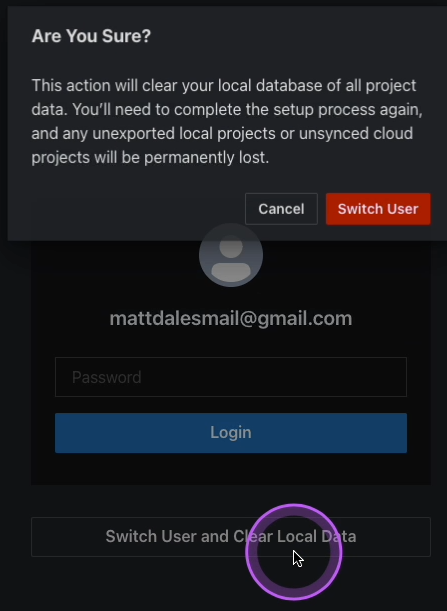
Deactivating user-based license
Here you will learn how to deactivate the user-based enterprise license.
The acquired license is assigned to a user upon activation, specifying the system used. The license manager displays the usage status (see Overview). An assigned license can be deactivated for the user.
To deactivate a license:
-
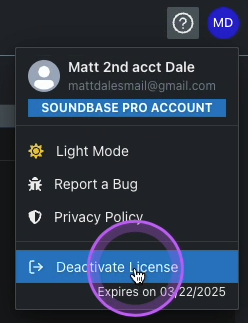
In SoundBase, navigate and click on your displayed initials on the right side,
and then on Deactivate License.
A confirmation window pops up.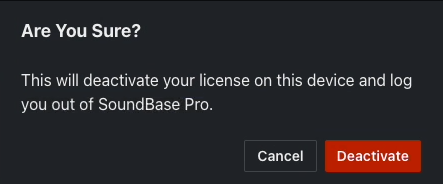
-
Click on Deactivate to deactivate the enterprise
license.
The login screen for the affected account is displayed along with the option to delete all project data.